FormGoat for iPhone and Android: a free PDF editor, scanner and AI form filler
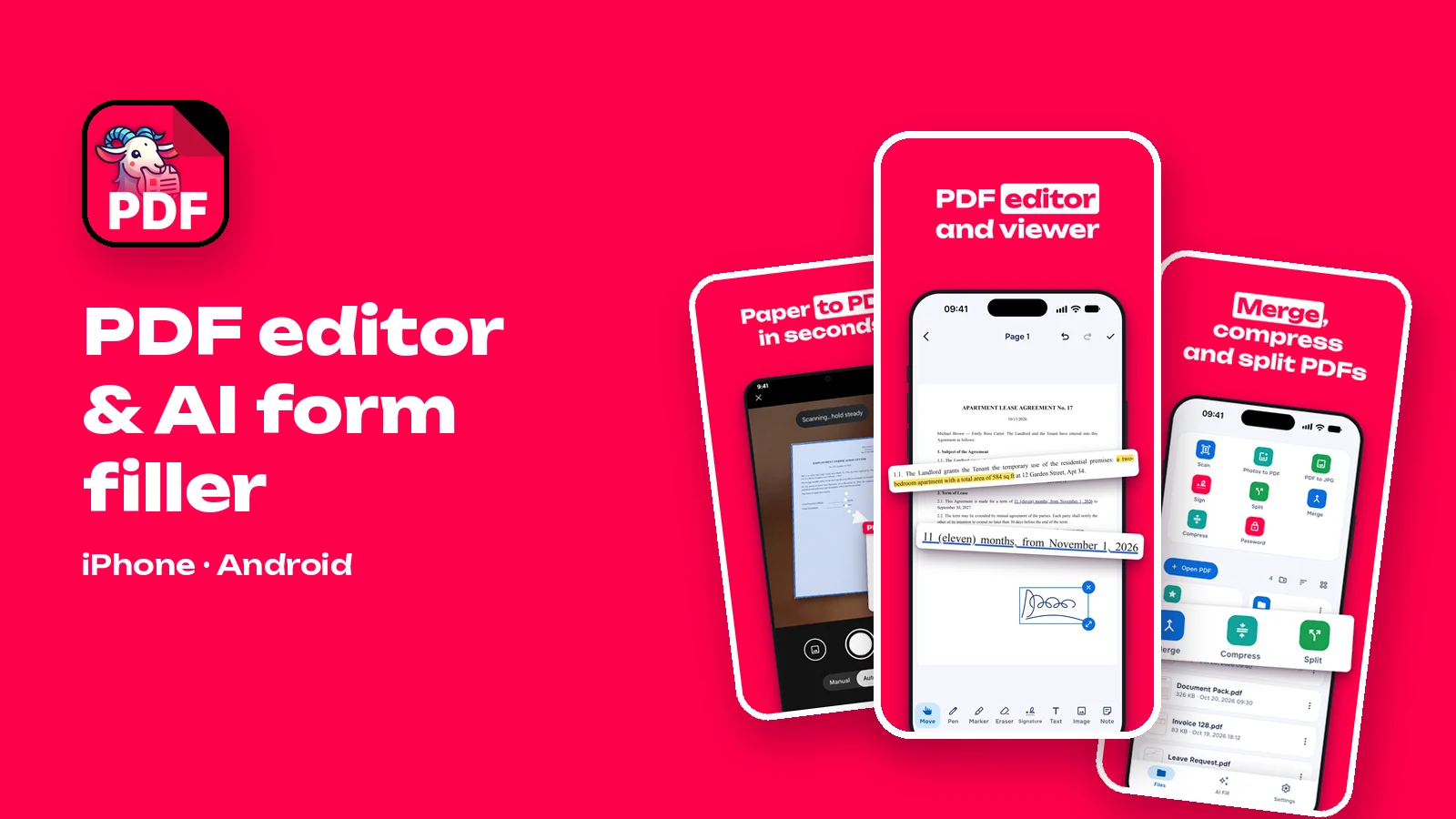
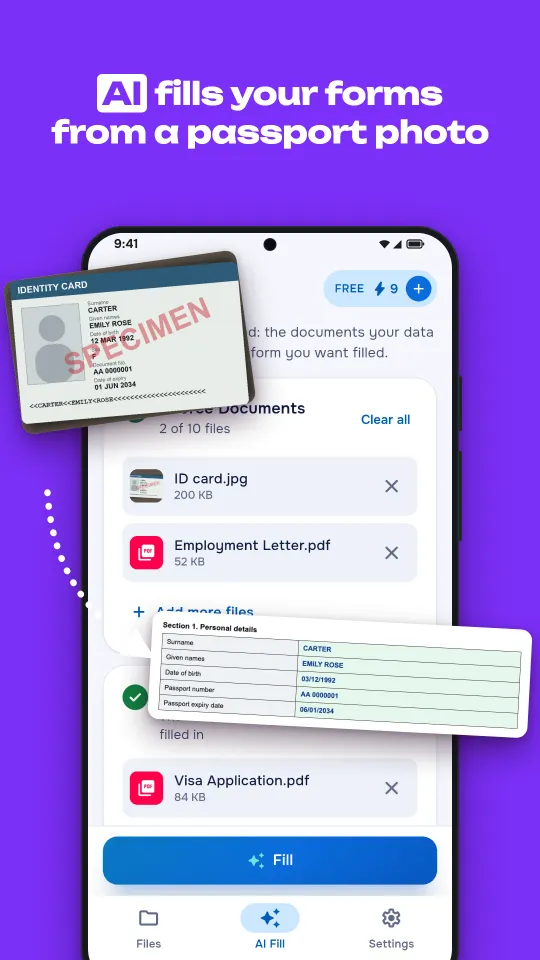
FormGoat started on Android as an app that fills out forms from photos of your documents. The new release is a different app: a free PDF reader and editor with a document scanner, signatures and PDF tools, now on iPhone as well as Android. AI form filling is still there, one tap from any PDF you open.
Now on iPhone
FormGoat is in the App Store for iPhone with iOS 15 or later, alongside the Android version for Android 7.0 or later. Both apps have the same tools and the same screens; on Android you can also open a PDF straight from email or a messaging app by choosing FormGoat. On iPhone you can sign in with Apple as well as with Google or a one-time code sent to your email; there are no passwords on either platform.
FormGoat is free to download on iPhone and Android.
A free PDF reader and editor
The Files tab is now the first thing you see: your recent PDFs with thumbnails, folders, favorites and a trash that keeps deleted files for 30 days. Open a PDF and you get a reader with text search, a table of contents, a grid of all pages and dark pages for reading at night. Password-protected PDFs open too.
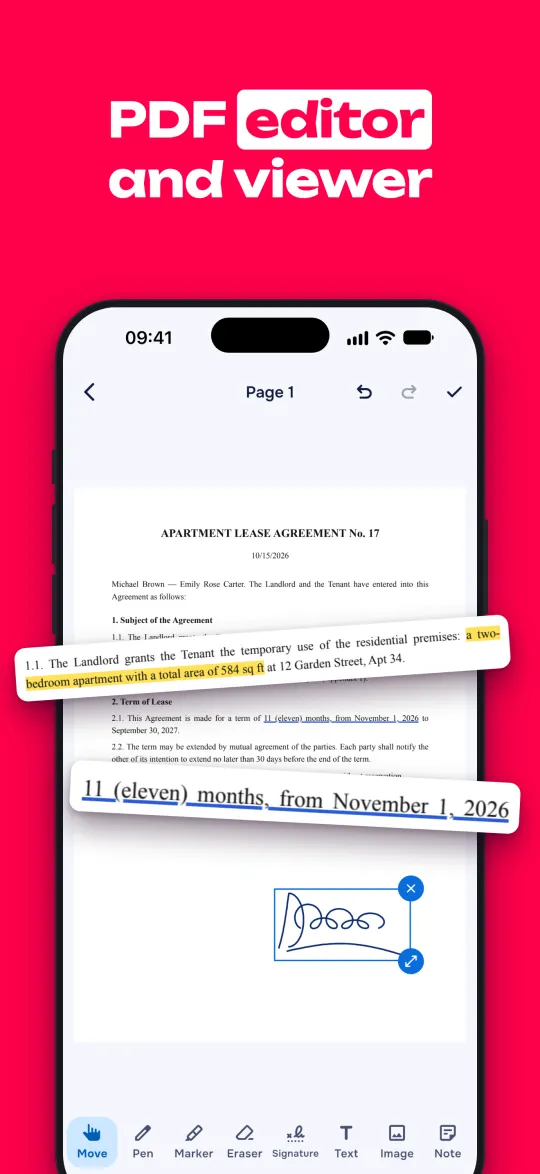
Editing happens right on the page:
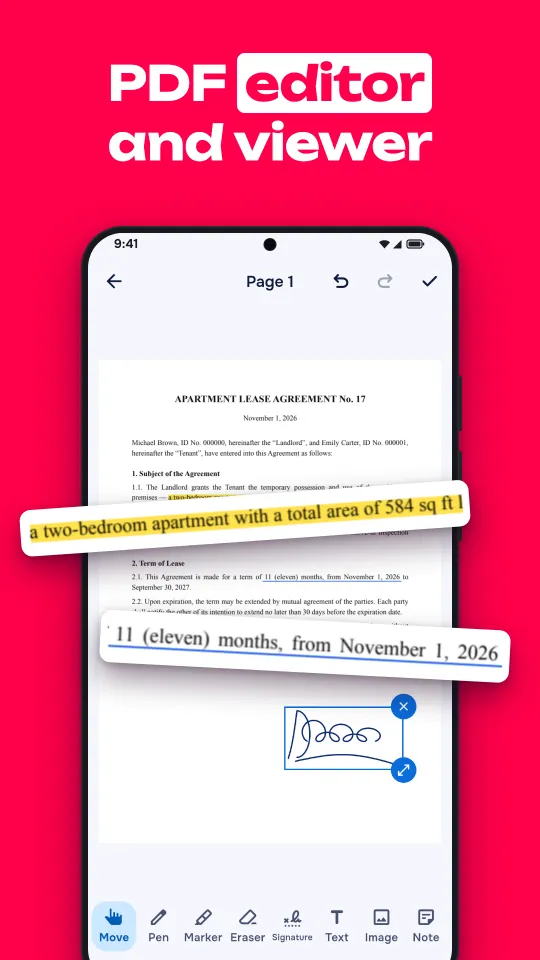
- Pen, highlighter and eraser, eight colors each for the pen and highlighter, with undo and redo step by step.
- Text, images and sticky notes. Add text in one of four sizes, place a photo from your gallery, or leave a note that opens in any PDF app.
- Text markup. Select a line to highlight, underline, strike through or squiggle it.
- Pages. Reorder, rotate, crop and delete pages, or insert a blank page or pages from another PDF.
Your marks are written into the file itself, so whoever you send it to sees them in whatever app they use.
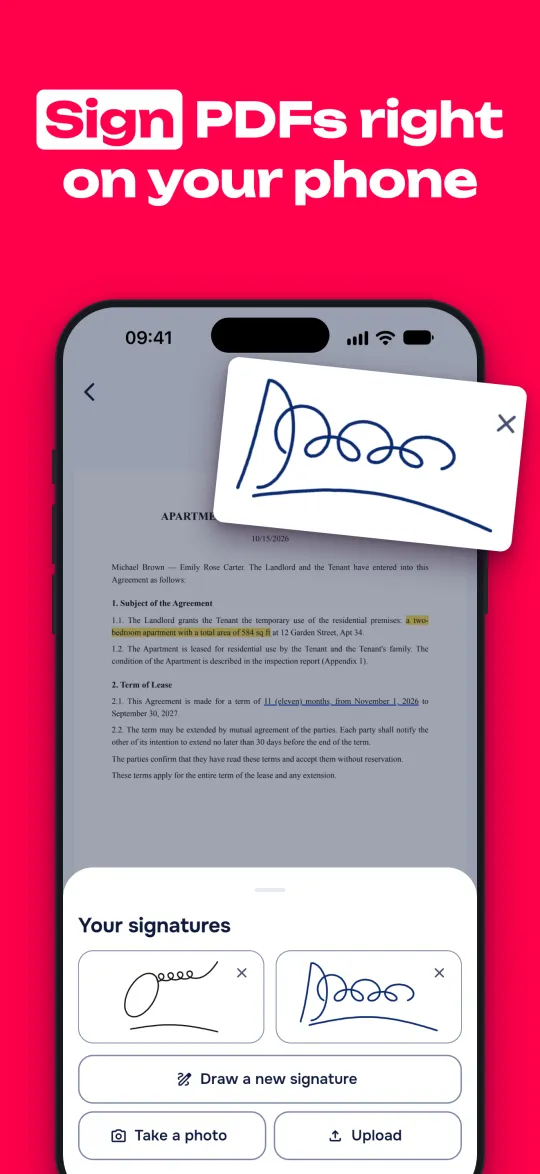
Sign a PDF in one tap
Draw your signature with a finger once and FormGoat keeps it for the next document. You can store up to six signatures, for example a full signature and initials, in different colors. A contract that arrives by email can be signed and sent back without printing anything.
A document scanner built in
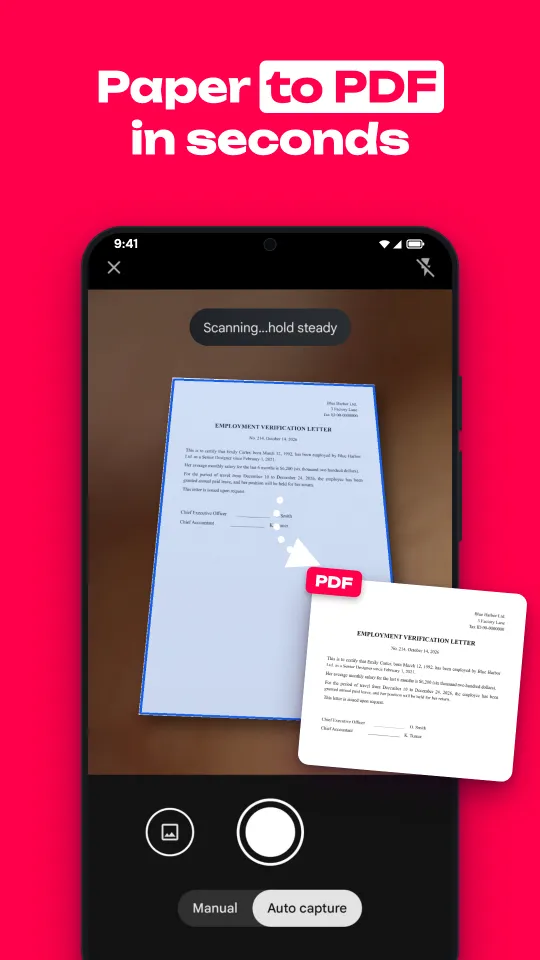
The Scan tile opens the camera, finds the edges of the page and straightens it. Several pages become one PDF, saved straight to Files and opened in the reader. On Android the scanner is Google's document scanner, on iPhone it is the system scanner from Apple, so scanning works the way your phone already does it.
Every PDF tool on one screen
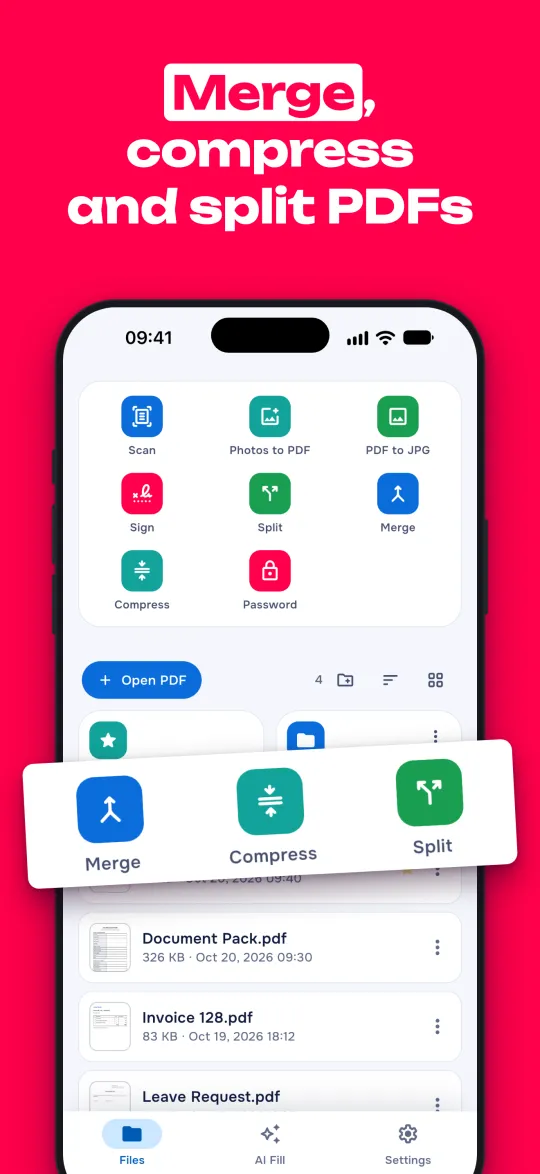
Eight tiles at the top of the Files tab cover the jobs people usually install separate apps for:
- Scan paper documents into a PDF.
- Photos to PDF: photos from your gallery become one PDF, each on its own A4 page.
- PDF to JPG: pages as images for a messaging app or a presentation.
- Sign with a saved signature.
- Split into one file per page, or into two parts at the page you choose.
- Merge several PDFs into one, in the order you pick them.
- Compress: the photos inside a PDF get smaller, the text stays as it is, so the file fits email and upload limits.
- Password: add a password to a PDF, or remove it from a file whose password you know.
All eight PDF tools are free. Try them on your phone.
AI Fill, one tap from any PDF
Filling out forms from your documents works as before, and the reader now has a Fill button at the top of every PDF. Add photos or PDFs of any documents with the data you need (a passport, ID card, certificates, contracts, statements), choose the blank form, and tap Fill. The AI reads your documents, finds the data the form asks for, enters it in the fields and ticks the right boxes. It fills fillable and flat PDF forms, Word documents and Excel spreadsheets, from up to 10 files per form.
The completed form opens in the app with your documents on the next tab, so you can compare the two before you send anything. The AI is fast, but you have the final say.
Your files stay on your phone
- Reading, editing, signing, scanning, compressing and the other PDF tools all run on the phone. Those files are not uploaded anywhere.
- AI Fill sends only the files and photos you choose. Source files are deleted from the server as soon as processing is complete; the completed document is deleted after 14 days.
- The server and database are in the EU, and data is encrypted in transit. Text recognition and AI extraction are done by providers in the USA under Standard Contractual Clauses. We don't sell your data.
The details are in the Privacy Policy.
69 languages
The interface is now translated into 69 languages and switches to your phone's language automatically. Arabic uses a right-to-left layout.
Price
The reader, the editor and all PDF tools are free, with no ads. AI Fill gives you your first form free, no card required. After that, choose a monthly subscription with as many forms as you need, in Google Play or the App Store, and cancel any time there.
PDFs, signatures and forms, all in one app
Get the app, or see screenshots and answers to common questions on the app's page.