FormGoat for Android: fill PDF forms from photos of your documents
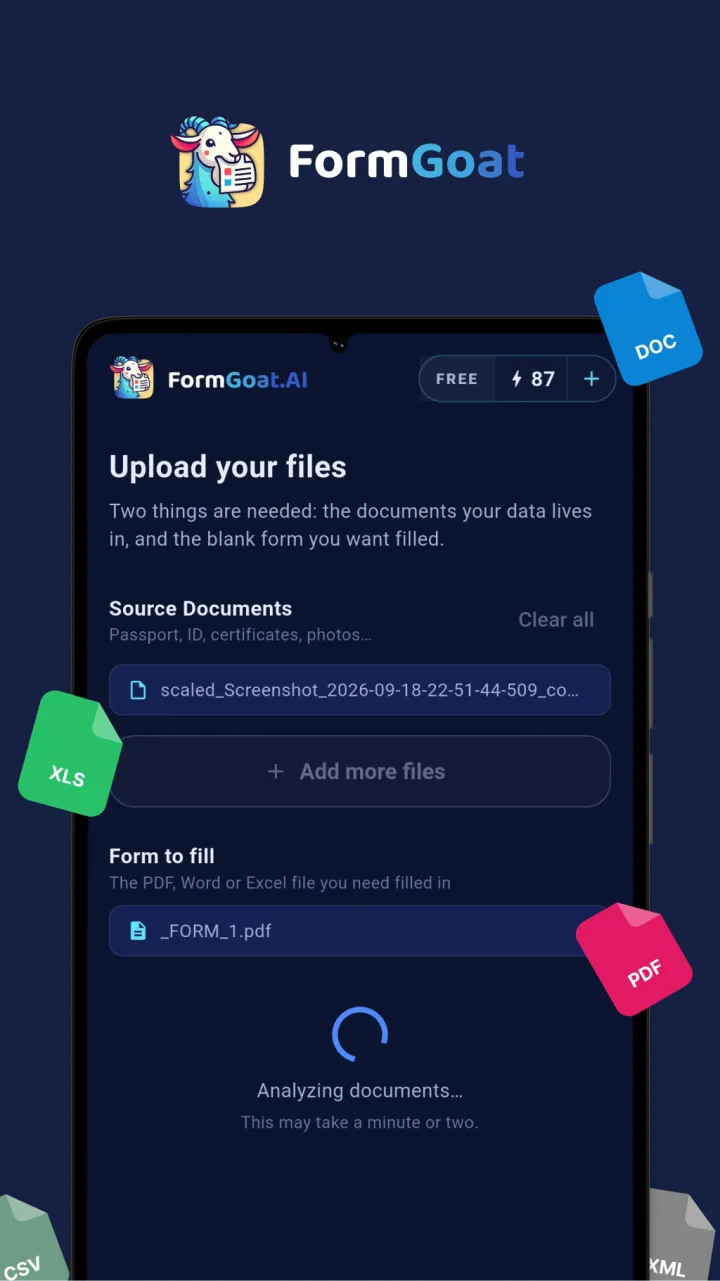
Your passport, ID card and certificates are probably already on your phone as photos. The FormGoat app for Android turns them into a completed form: take pictures of your documents, add the blank form as a PDF, Word or Excel file, and a minute or two later the filled file is on your phone, ready to send.
Availability. The app is currently in closed testing on Google Play, and the public release is coming soon. An iPhone version is in the works. Until then, the same forms can be filled on a computer with FormGoat Docs.
How it works
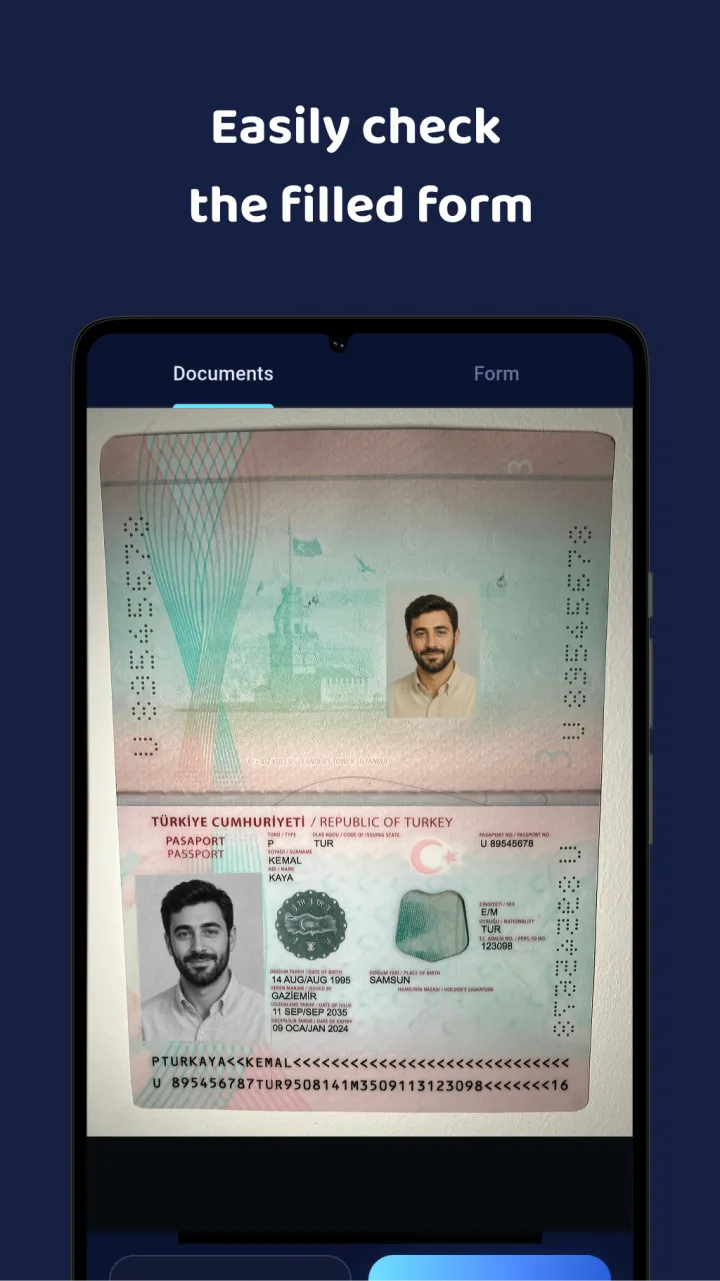
- Add your documents. Take photos with the camera, pick images from the gallery, or choose files on the phone: passport, ID card, residence permit, certificates, contracts.
- Choose the form. The blank form you need to fill: a PDF, a Word document or an Excel spreadsheet.
- Tap Analyze. The AI reads your documents, finds the data the form asks for, and enters it into the fields.
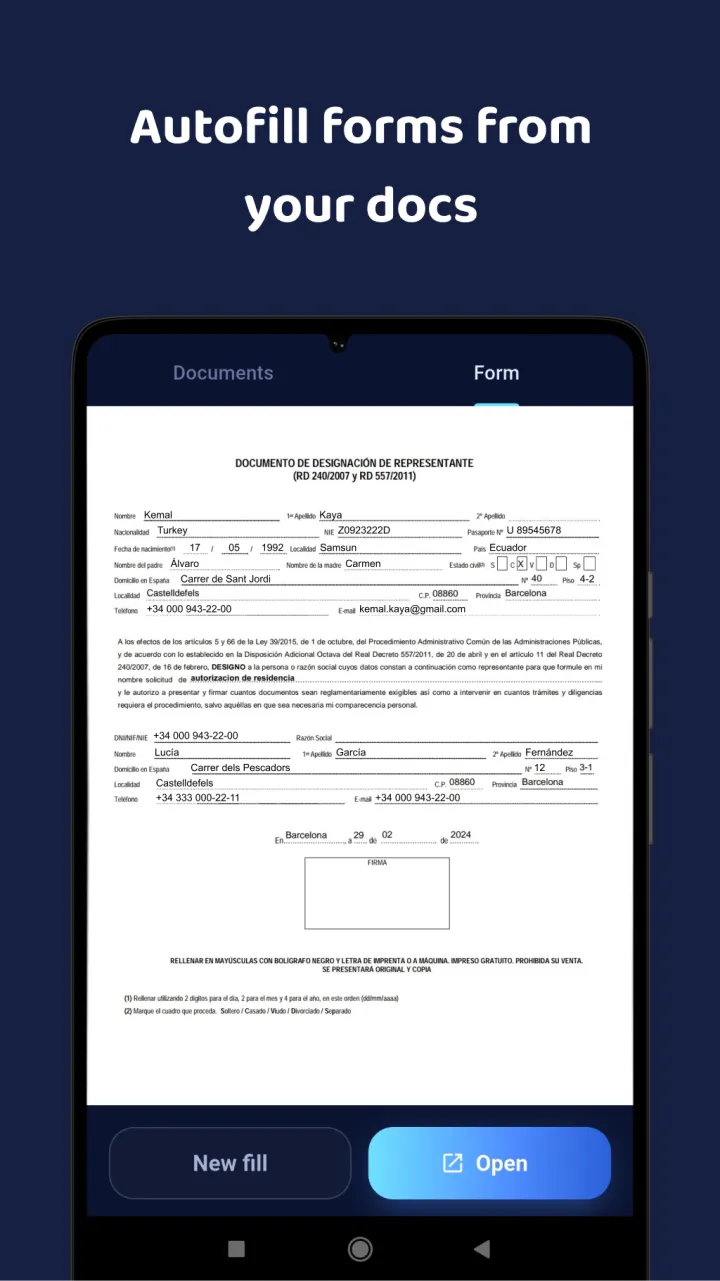
- Get the completed file. The filled form opens right in the app. Save it, or send it by email or a messaging app.
No scanner, no PDF editor
Filling a PDF form on a phone usually means a scanner app for the documents, a PDF editor for the form, and a lot of switching between them to copy a passport number one digit at a time. FormGoat replaces all of that. Text recognition reads photos and scans directly, so the phone camera is enough, and the values go into the form without copy and paste.
Which forms it fills
- Fillable PDF forms with interactive fields: text, dates, checkboxes, multiple choice.
- Flat PDF forms with lines, blank spaces for answers and boxes to tick.
- Word documents (DOCX): questionnaires and applications where you enter data.
- Excel spreadsheets (XLSX): forms and tables filled cell by cell.
The data can come from JPG, PNG and HEIC photos, PDF, Word, Excel, CSV and text files, up to 10 files per form.
Not autofill, but AI that reads your documents
- It understands what a field means, not just its label: "Last name", "Apellido" and "Nachname" are the same thing to it.
- Languages can differ. Your documents and the form can be in different languages, a Turkish passport and a Spanish application for example.
- It ticks the boxes. The right checkboxes get checked and answer options chosen, not just text typed.
- Nothing to set up in advance. The data comes straight from your documents, so there is no profile to type in first.
What people fill with it
Visa and immigration forms (visas, residence permits, renewals, citizenship), tax forms and applications to government offices, bank, insurance and clinic questionnaires, rental agreements and registration forms, school, university and job applications, and anything else you have to fill out again and again.
Check before you send
The completed form opens in the app, and your documents are one tab away, so you can compare the two side by side. Read the form through before you submit it anywhere: the AI is fast, but you have the final say.
What happens to your documents
- The app sends only the files and photos you choose, and does not ask for access to your whole photo gallery.
- Source files are deleted from the server as soon as processing is complete. The completed document is deleted after 14 days.
- The server and database are in the EU, and data is encrypted in transit. Text recognition and AI extraction are done by providers in the USA under Standard Contractual Clauses. We don't sell your data.
The details are in the Privacy Policy.
Sign-in, languages, price
Sign in with Google or with a one-time code sent to your email, with no passwords. The app is available in 11 languages and follows your phone's language. It needs Android 7.0 or later.
Your first 5 forms are free, no card required. After that, choose a monthly subscription in Google Play with as many forms as you need, and cancel any time in Google Play.
Stop retyping your passport into every application
Screenshots, supported forms and questions answered on the app's page.